HOUSE KEEPING

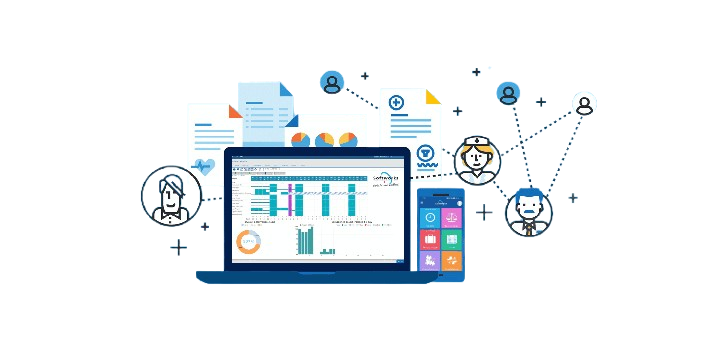
FLEX is a designed to facilitate the efficient management of housekeeping operations in residential, commercial, and hospitality establishments. This system allows housekeeping staff to easily track and manage their tasks, plan, and communicate job assignments, and track inventory. The system can also help housekeeping staff to schedule and manage cleaning services and track customer feedback. The system can provide reports and analytics on housekeeping staff performance and can be used to generate invoices and other documents related to housekeeping operations.

Reservation Chart

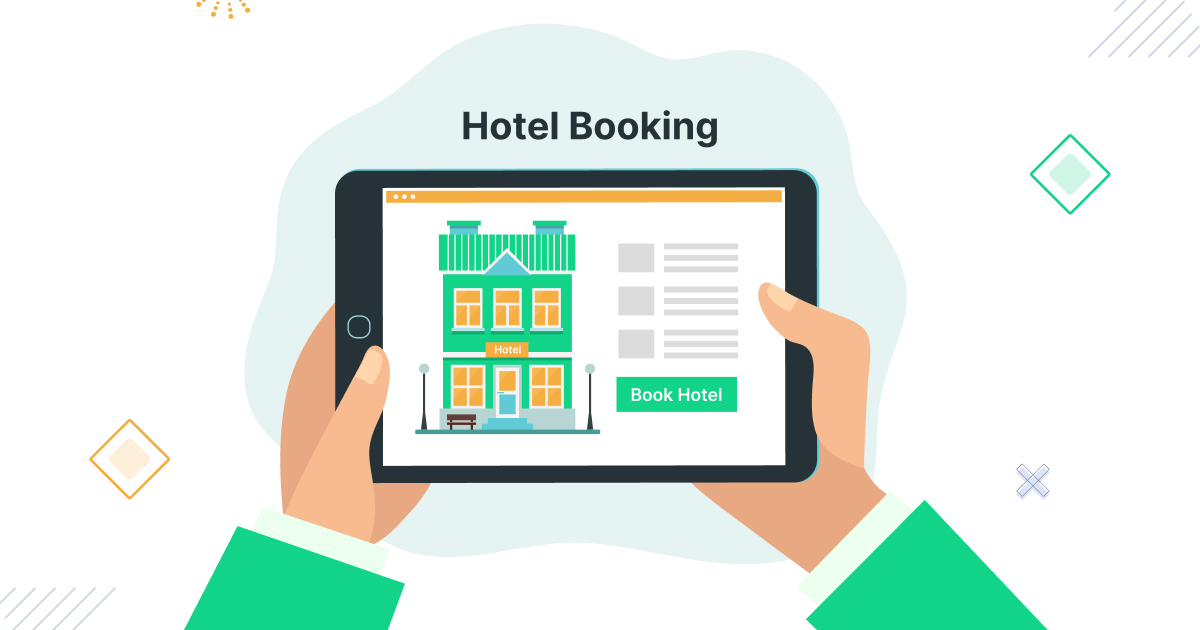
In hotels, a reservation chart visually represents room availability, with room numbers on one axis and dates on the other. It is color-coded or marked to indicate room statuses like “booked,” “occupied,” “available,” or “reserved.”

For restaurants, a similar chart shows the floor plan with numbered tables, color-coded to indicate whether they are reserved or available at specific times. Both types of reservation charts help staff manage bookings efficiently, improving organization and customer service.

Arrival/Departure and Stayover

Arrival refers to the moment when guests reach their intended destination, such as a hotel or airport. It signifies the beginning of their stay at the property.

Departure is the act of leaving the location after the stay is over.

A stayover refers to guests who are staying longer than one night, and their checkout is scheduled for a future date. Proper management of arrivals, departures, and stayovers helps ensure smooth operations in hospitality.

Occupancy and Guest Details

Occupancy refers to the number of people staying in a space, such as a hotel room or attending an event. It is crucial for ensuring compliance with legal and safety regulations, as spaces often have a maximum occupancy limit.

Guest details include personal information such as name, contact details, preferences, and special requests. Managing both occupancy and guest details helps ensure a smooth check-in process, room allocation, and compliance with safety standards.

Room Shifting/Re-allocation

Room shifting or re-allocation involves moving guests from one room to another due to various reasons like maintenance, guest requests, or system errors. Proper planning is essential to ensure the new room meets the guest’s requirements and that the transition is smooth.

Safety should always be prioritized during the shift. Ensure the new room is hazard-free and that heavy items are moved carefully to prevent any accidents or injuries.

Manage Housekeeper’s Task

Clearly define the housekeeper’s tasks, ensuring they understand what needs to be done, the frequency of tasks, and the expected standards. This includes cleaning, maintaining room amenities, and ensuring guest satisfaction.

Regular communication is key. Ensure the housekeeper feels comfortable seeking clarification or asking questions to avoid any misunderstandings and ensure high standards are consistently met.

Manage Maintenance Request

Implement a clear system for receiving maintenance requests, whether through email, phone calls, or a dedicated form in your property management software.

Ensure prompt response and resolution of issues to maintain guest satisfaction. Familiarize yourself with relevant property maintenance regulations to ensure compliance with local, state, and federal laws, ensuring the safety and functionality of the premises.

Handle Lost and Found

Establish a clear policy for handling lost and found items, ensuring that all staff are trained and familiar with the procedures.

Maintain a detailed log for lost items, including descriptions, dates, times, locations, the name of the person who found the item, and any additional relevant details. This helps in efficient tracking and returning of lost items to guests, ensuring a smooth process and guest satisfaction.

Manage Complain and Damage

When handling complaints or damage reports, actively listen to the customer or stakeholder’s concerns and show empathy. Allow them to express their feelings fully.

Assess the severity of the issue to determine whether it’s an isolated incident or part of a larger problem. Address the issue promptly and follow up to ensure it’s resolved, aiming to maintain customer satisfaction and improve services.

Control Operational & Assets Inventory

Establish clear inventory management policies that support your organization’s goals. This includes tracking both operational supplies and assets.

Regularly review inventory processes to ensure accuracy and efficiency. Adapt these processes as business conditions change, ensuring that inventory levels are optimized and that assets are effectively managed and maintained.

Manage Minibar/Laundry

Regularly assess minibar and laundry inventories to ensure they are stocked appropriately.

Generate periodic reports to track usage, identify trends, and adjust stock levels accordingly. By refining inventory management processes, you can maintain efficient operations while meeting guest demands and improving service delivery.

Maintain Duty Roster

Assess the staffing needs based on peak hours, skill sets, and customer demands.

Select an appropriate scheduling system, whether manual or digital, to streamline the process. Ensure that shifts are balanced, covering all necessary roles to maintain smooth operations. Regularly review and adjust the roster to meet changing requirements and improve staff productivity.

Android/Windows Tab Support

To run Android apps on a Windows tablet, you can use Android emulators like Bluestacks, Nox Player, or Android Studio’s built-in emulator. These emulators simulate an Android environment within Windows, enabling the use of Android apps.

While Microsoft’s Project Astoria once aimed to bring Android app compatibility to Windows 10 Mobile, it was discontinued. You can still enjoy Android apps on Windows tablets through third-party emulators, providing a bridge for accessing Android-based applications.

Comparative Statistics

Descriptive Statistics: To compare datasets, descriptive statistics are calculated, including measures like mean, median, mode, standard deviation, and range. These statistics offer insights into central tendency and data dispersion.

Visualization: Visual tools, such as bar charts, scatter plots, box plots, and histograms, help in comparing datasets. They visually display trends, patterns, and outliers, providing a clearer understanding of the relationships and differences between the groups or variables. These techniques are essential for effective data analysis and comparison.


Dashboard View

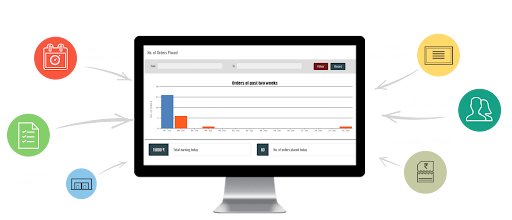
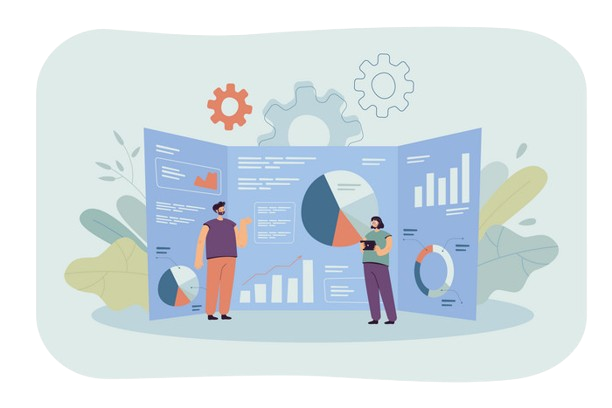
Dashboards integrate data visualization elements like charts, graphs, gauges, and tables to present data clearly. Common visualizations include bar charts, line charts, pie charts, scatter plots, and heatmaps, which help users interpret trends and patterns.

These dashboards can pull data from multiple sources, such as databases, spreadsheets, external APIs, and real-time sensors. They aggregate and display the data in a cohesive view, allowing users to monitor key metrics and make informed decisions based on real-time or historical data.

Scale and grow your business with Flex Property Manager

our company page form

Our support staff are on standby to assist you upgrade your business to the next level.