HUMAN RESOURCE
Point of Sale module is its ability to streamline the entire F&B process. From capturing kitchen order tickets to settling bills, this module automates and simplifies various tasks, eliminating manual errors and reducing operational complexities. By digitizing these processes, hoteliers can save time and effort, enabling them to focus more on delivering exceptional service to their guests. Additionally, the module offers comprehensive reporting and analytics capabilities, and Hoteliers can access valuable insights and performance metrics related to F&B services.

Employee Information
- Personal Details: Name, address, contact information, and emergency contact.
- Employment History: Job titles, roles, work experience, and performance evaluations.
- Compensation & Benefits: Salary, bonuses, benefits packages, and deductions.
- Compliance & Legal: Work permits, contracts, tax information, and adherence to labor laws.
- Training & Development: Certifications, skills, and training programs attended.
- Attendance & Leave Records: Work hours, vacation, sick leave, and time-off requests.
List of Employee by Category
- Full-Time Employees (FTEs): Work a standard 40-hour workweek or more, typically with benefits like health insurance and paid time off.
- Part-Time Employees: Work fewer than 40 hours per week, often with flexible hours and limited benefits.
- Contract Workers: Hired for specific projects or time periods, not eligible for full-time employee benefits.
- Interns: Typically students or recent graduates gaining practical experience, often unpaid or with minimal compensation.


Individual (Biodata)
- Personal Information: Name, age, gender, contact details, and address.
- Educational Background: Schools attended, degrees or certifications earned, and academic achievements.
- Work Experience: Previous job roles, responsibilities, and employment dates.
- Skills: Specific technical or soft skills relevant to the job or industry.
- References: Contacts who can provide recommendations or professional endorsements.
- Hobbies and Interests: Optional personal interests or activities that can give insights into the individual’s personality.
Offer/Appointment Letter
- Position: You have been appointed as [Job Title], reporting to [Supervisor/Manager Name].
- Compensation: Your salary will be [Salary Amount], paid [bi-weekly/monthly].
- Probation Period: You will be on probation for [Probation Period], during which your performance will be assessed. After successful completion, your employment will be confirmed.
- Confidentiality Agreement: You are required to sign our confidentiality agreement regarding company-sensitive information.
- Start Date: Your employment will begin on [Start Date].


Job Confirmation/Promotion/Termination
- Job Confirmation: We are pleased to confirm your permanent employment as [Job Title], effective from [Confirmation Date]. Your dedication, hard work, and contributions during the probationary period have been commendable, and we look forward to your continued success with our team.
- Promotion: Congratulations on your promotion to [New Job Title], effective from [Promotion Date]. This promotion is a reflection of your outstanding performance and commitment to excellence.
- Termination: We regret to inform you that your employment with [Company Name] will be terminated, effective [Termination Date]. Please contact HR for further details on the termination process and any final settlements.
No Due/Exit Clearance/Recommendation
- No Due Certificate: A formal document confirming that an employee has no outstanding dues or liabilities to the organization. This includes settling financial dues, returning company property (e.g., laptops, access cards), and completing pending tasks.
- Exit Clearance: The process that ensures all company assets are returned and responsibilities are fulfilled before an employee leaves the organization. This includes clearing all departmental obligations and financial settlements.
- Recommendation: A document provided by the employer, endorsing the employee’s performance and recommending them for future employment opportunities based on their contributions and work ethic.


Assign Employee Duty/Duty Roster
- Determine Roles and Responsibilities: Identify which tasks or positions need to be covered for each shift, considering employee availability, skills, and compliance with regulations.
- Design Duty Roster: Create a schedule template that assigns employees to specific shifts or time periods. Ensure it reflects required roles and includes any necessary details such as days, shift hours, and employee names.
- Consider Employee Preferences: Take into account employee preferences or constraints when designing the schedule to ensure maximum efficiency and job satisfaction.
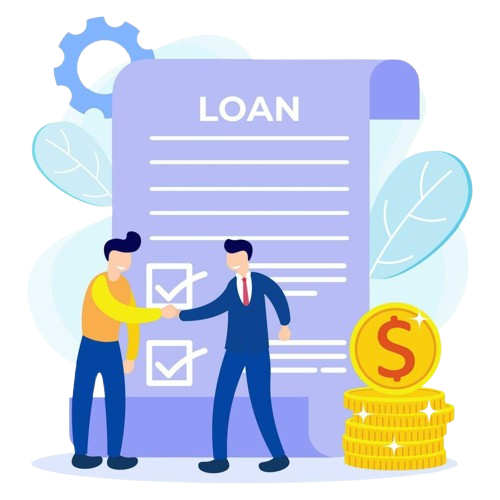
Loan Management/Statement of Loan (Details)
- Loan Management System: A software platform that helps financial institutions manage the loan lifecycle, from origination to repayment. It includes features for underwriting, servicing, collections, and reporting.
- Loan Statement: A document given to borrowers, detailing important loan information, including principal amount, interest rate, payment schedule, and remaining balance. It helps borrowers track their loan status and payments.
Payroll Management/Salary/Pay slip
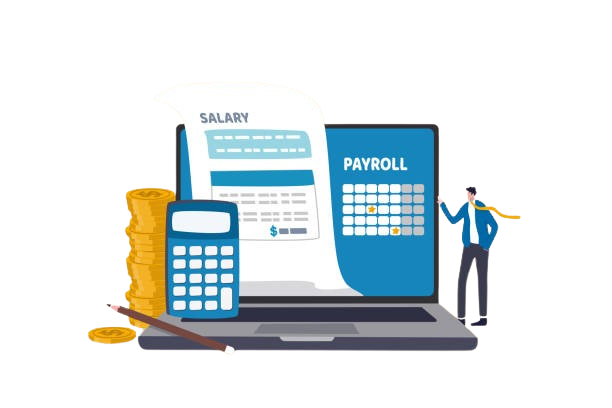
- Payroll Management: The process of handling employee compensation, including salaries, wages, bonuses, and deductions. It involves calculating gross and net pay, withholding taxes, and ensuring compliance with labor laws.
- Salary/Pay Slip: A document provided to employees, detailing their earnings for a specific period, including base salary, bonuses, deductions, and net pay. It ensures transparency in compensation and helps employees track their earnings.
Manual Attendance Adjustment
- Manual Attendance Adjustment: Involves manually modifying an employee or student’s attendance record to account for late arrivals, early departures, or absences.
- Late Arrivals/Early Departures: Adjustments made to reflect the actual hours or minutes of presence for individuals who do not adhere to the standard schedule.
- Absences Due to Valid Reasons: Adjustments made to mark absences as excused when caused by illness, medical appointments, or approved leave.


Data Synchronization with Device
- Definition: Data synchronization with a device ensures that data on a specific device is up-to-date and consistent with data stored on other devices, cloud servers, or databases.
- Purpose: It helps maintain data integrity and accessibility across various platforms.
- Key Concepts:
- Real-time Synchronization: Updates data immediately across all devices.
- Cloud Syncing: Syncs data with cloud servers for accessibility from any device.
- Conflict Resolution: Manages discrepancies between versions of data on different devices.
Master Settings/Export Data (.xls, .doc, .pdf etc.)
- Master Settings: Centralized configurations that manage system-wide preferences, parameters, and data settings across platforms.
- Export Data: Allows exporting data in various formats like:
- .xls: Spreadsheet format, used for tabular data and analysis.
- .doc: Document format, useful for text-based data like reports.
- .pdf: Portable Document Format, ideal for preserving layout and content integrity.
- Data Synchronization: Ensures consistency of data across devices, preventing discrepancies and maintaining integrity, accessible from various platforms like smartphones, tablets, or cloud servers.

Leave Management/Attendance Report
- Leave Management/Attendance Report: A document detailing employee attendance, leave records, and time-off requests.
- Content:
- Employee Details: Name, department, and role.
- Attendance Data: Working hours, late arrivals, early departures.
- Leave Data: Sick leave, vacation days, approved time off.
- Balance: Remaining leave days or hours.
- Tools: Automated HR software or spreadsheets are used to generate and analyze these reports efficiently, ensuring accuracy in leave management.
Dashboard View
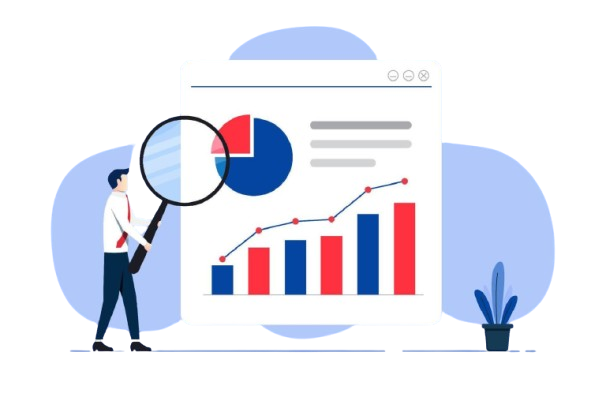
- Dashboard View: A visual representation of key data, metrics, or KPIs relevant to a business or process.
- Types:
- Real-Time Dashboards: Continuously update as data changes, providing up-to-the-minute insights.
- Periodic Dashboards: Updated at regular intervals (e.g., daily or weekly) to offer summarized data over time.
- Purpose: Dashboards help in monitoring, decision-making, and tracking performance, ensuring that important information is easily accessible at a glance.