
STORE & INVENTORY
FLEX inventory management system helps hotels manage their inventory more efficiently. It provides a comprehensive system for tracking, managing, and organizing all types of room inventory, from guest rooms to amenities and supplies. The system allows hotels to manage their inventory more accurately, reducing costs and increasing customer satisfaction. It also enables hotels to efficiently monitor guest room availability, monitor and restock inventory, hotels can better manage their inventory, anticipate customer needs, and maximize their revenue.
Item Information
Additionally, maintain data on the cost, price, and supplier details for each item. This helps with cost analysis and ensures that items are priced appropriately. Include any relevant item codes or barcodes for easier tracking.
Information on the item’s condition (new, used, refurbished) is also valuable for managing its lifecycle. Lastly, track item usage or sales data to forecast demand, identify trends, and optimize reordering schedules to maintain an efficient and well-stocked inventory.


Category Information
In addition to the description and category, include the product’s pricing structure, such as wholesale or retail prices, and any applicable discounts or promotions. For better organization, provide tags or keywords that relate to the product’s features or target market.
Information on product availability and lead times from suppliers is also crucial for planning stock levels. If the product belongs to a specific brand or series, mention it for easier identification. Lastly, integrate your software systems with real-time inventory updates to streamline tracking and management.
Inventory Tracking
To streamline inventory management, barcode scanning technology plays a crucial role in swiftly recording the movement of items—whether they are received, sold, or relocated. This method minimizes human errors and accelerates the process.
Furthermore, inventory items are categorized by several factors, such as type, size, value, demand, and shelf life. These categories not only enhance organization but also aid in prioritizing inventory management tasks, ensuring the most critical items are monitored and replenished as needed.


Item Demand forecasting
To forecast demand, begin by gathering historical data such as sales records, customer orders, and consumption trends. This data serves as the foundation for identifying patterns and predicting future demand.
Next, determine the forecasting time period—whether short-term (days or weeks), medium-term (months), or long-term (years). The time horizon should align with the product’s nature and the industry’s trends, helping create a more accurate and actionable demand forecast for inventory planning and replenishment.
Item Receive/Issue/Return/Damage
Receiving: Upon receiving items, ensure that they are inspected for quality and accuracy based on purchase orders. Record them in the inventory system, updating stock levels.
Issuing: When items are issued, track the movement of inventory used for customer orders, production, or internal purposes to prevent stock discrepancies.
Returns: Items returned from customers or other departments should be inspected, categorized, and added back to inventory or discarded if damaged.
Damage: Items that are damaged during handling, storage, or transportation should be logged for disposal or repair, ensuring they no longer affect inventory accuracy.


Real-time Inventory Updates
Continuous Monitoring: Real-time updates track every movement of inventory, including items received, sold, relocated, or returned, ensuring accurate records at all times.
Preventing Issues: By updating inventory instantly, businesses can avoid stockouts (lack of products) and overstock (excess inventory), leading to more efficient order fulfillment and minimized errors in inventory management.
Multi-Store Management
Inventory Control: Track inventory levels across all stores to ensure products are well-stocked and meet customer demand. Techniques like just-in-time inventory help minimize holding costs while preventing stockouts.
Centralized Systems: Use centralized point-of-sale (POS) systems, inventory management software, and reporting tools to facilitate real-time data analysis. This enables efficient decision-making and ensures inventory accuracy across all locations.


Requisition/Issue Approval Management
Identifying Needs: The process begins with a department or individual recognizing the need for specific goods or services.
Review and Approval: The requisition is then submitted for review, where designated personnel or managers evaluate the request. Based on the review, the requisition is either approved or denied. This ensures proper authorization before issuing or purchasing the items.
Reorder Level and Reorder Quantity
Reorder Level: This is the minimum inventory quantity at which a company should reorder stock to avoid running out of products. It is triggered when the stock reaches this predefined threshold.
Reorder Quantity: Also known as Economic Order Quantity (EOQ), this refers to the optimal order quantity to replenish inventory. It aims to minimize the total cost by balancing ordering costs and carrying costs, ensuring efficient stock management.

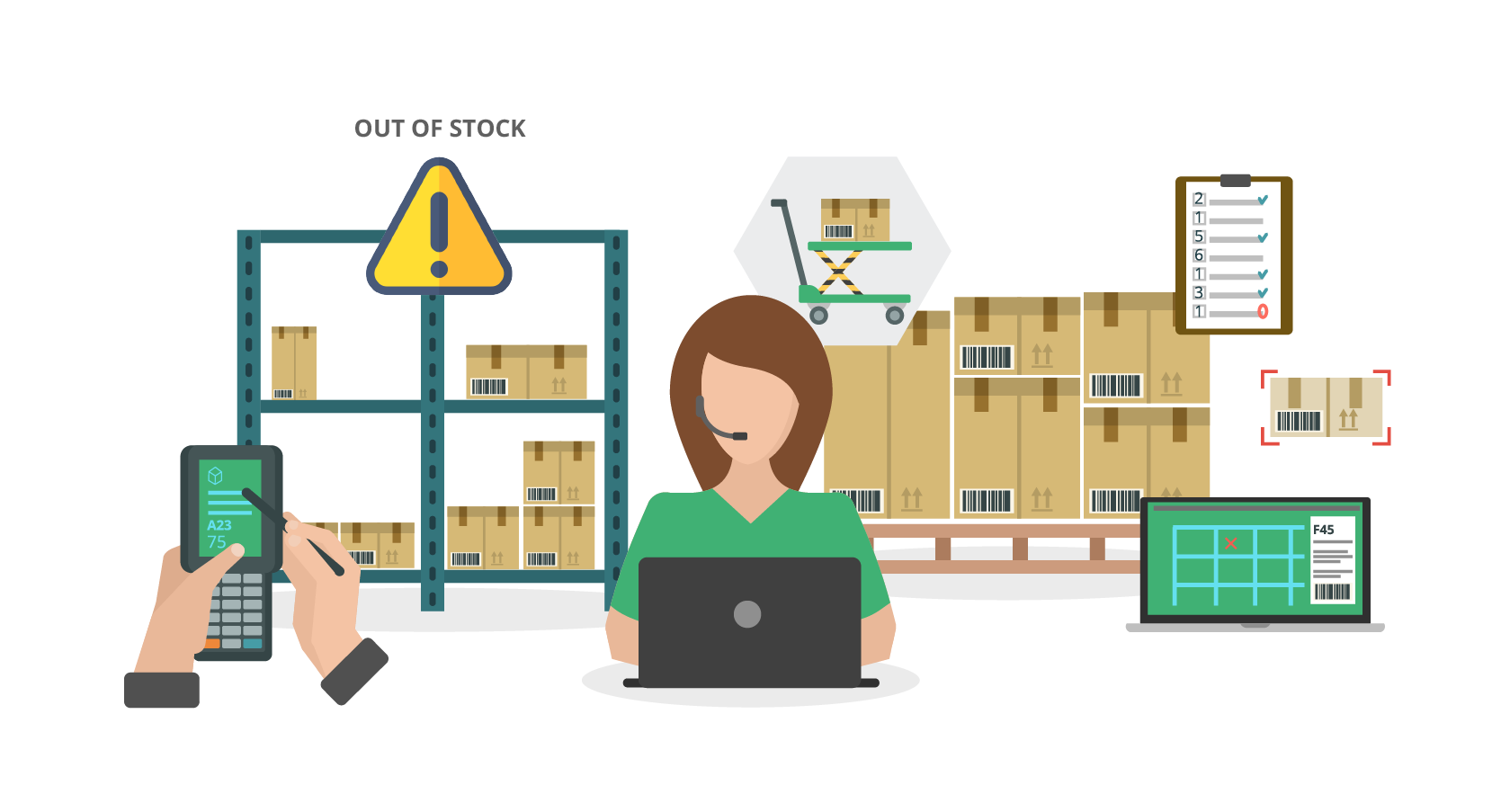
Reporting and Analytics
The process of data collection starts with gathering information from diverse sources, which can include both structured data (e.g., databases, spreadsheets) and unstructured data (e.g., text, social media posts). Data cleaning and transformation are essential steps to ensure the accuracy and compatibility of the collected information.
Once collected, data must be stored efficiently for easy retrieval and analysis. This typically involves using databases or data warehouses to organize and manage large volumes of data effectively.
Monthly Closing Summary and Details
Monthly closing involves adjusting for accrued expenses and deferred revenues that need to be recognized in the current period. It ensures that financial records are accurate and reflect the true financial position.
Work orders should be translated into bills, confirming that the financial statements accurately represent the business’s economic activities. Additionally, the month-end value of inventory must be calculated using suitable methods, such as FIFO (First In, First Out), LIFO (Last In, First Out), or weighted average, to determine the correct inventory value for the period.


Integration with Accounting Systems
Integration with accounting systems ensures seamless data flow between various software applications used within an organization. It involves syncing financial transactions, invoices, receipts, expenses, and other relevant data between the accounting system and other departments such as sales, inventory, or payroll.
By automating data transfer, integration eliminates the need for manual data entry and reduces the risk of errors. This leads to greater operational efficiency, saves time, and provides real-time access to financial data for more informed decision-making across the organization.
Dashboard View
A dashboard view presents key performance indicators (KPIs) at a glance, providing insights into inventory and sales performance. It typically highlights:
- Stock Overview: Displays total stock levels, categories, and alerts for low or out-of-stock items.
- Sales Metrics: Shows sales data, such as revenue, units sold, and sales trends over time.
- Comparative Analysis: Compares current performance with previous periods to identify growth or areas for improvement.


Stock Alerts and Notifications
Customizable Alerts: Most brokerage platforms allow you to set alerts for specific stocks, price changes, volume shifts, or news. This helps you stay updated on market conditions relevant to your investments.
Text Alerts: Platforms may offer text or push notifications for critical price changes or news. Ensure your account is set up to receive these notifications based on your preferred criteria for real-time updates.
Email Notifications: Many platforms also support email alerts for price targets, earnings reports, or significant market events. Configure them for detailed updates directly to your inbox.